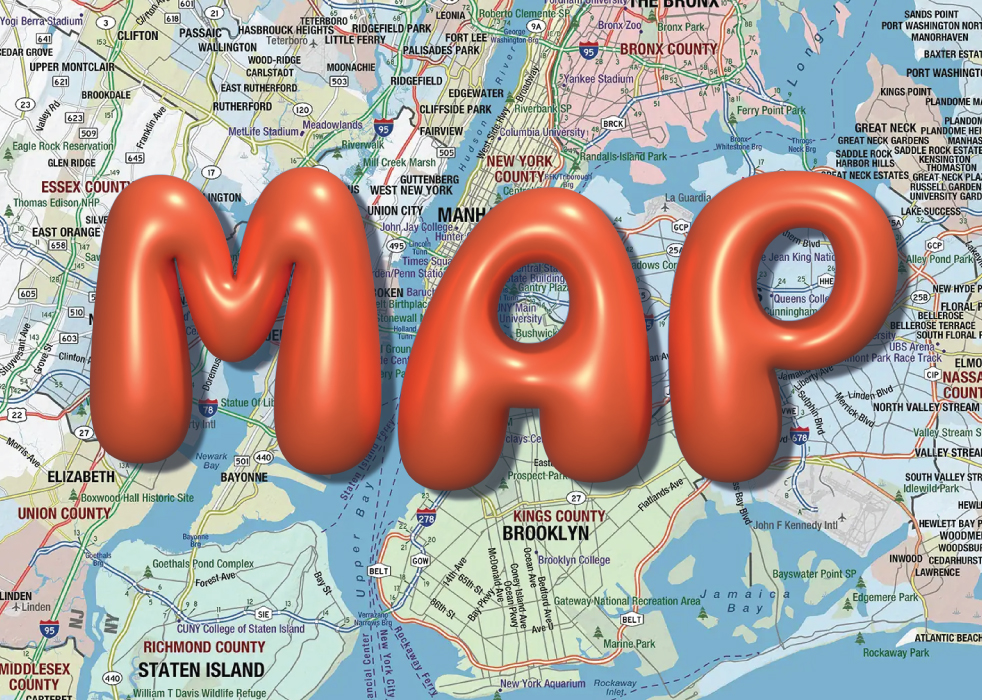
Making 3D Bubble Text in Illustrator
LEARNING OUTCOMES:
- Understanding the use of typography as it relates to expression and creativity.- Understanding how the meaning of the word can be expressed visually.
- Getting used to learning new software or new techniques independently, via various sources and tutorials
- Particularly, learning Illustrator 3D and Materials effects
PROCEDURE:
1. Think about a short word that can express its meaning visually2. Explore and practice one of the tutorials below (better all of them)
3. Create 3D appearance of the word, using available techniques of the Illustrator 3D and Materials effects.
4. Use appropriate background for the word to express its meaning.
Note: Make shadow if appropriate
FONTS:
Find fat round smooth fonts, such as:Modak regular, DynaPuff, Oi regular, or similar
You can use 1001 fonts or other font sites
Note: if the font is not round enough, use Illustrator technique: Object>Path>Smooth
TUTORIALS:
Advice: spend enough time for exploring the techniques and practicing.So Easy: How To Make 3D Bubble Text
How To Create Realistic 3D Text
How To Design Inflated Bubble Text Effects (more advanced)
Note: the last step – rendering, might take several second.
Submission:
Put two files in the dropbox folder: .ai and .jpg
Examples: