1. Type a word; let it be the word “crushed” in this example
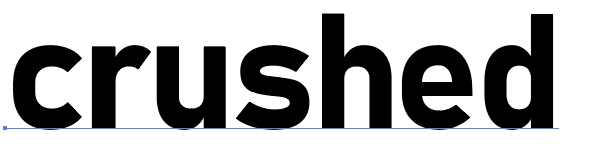
2. Click Type>Create Outlines

3. Sometimes letters could be divided into pieces.
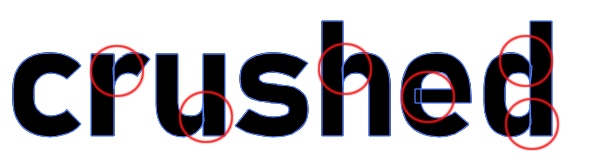
If it is not your intention, use Pathfinder>Unite
4. Make Color: None and Stroke: Black.
Then draw a line through the word with any tool (Pencil, Bruch, Pen)

5. Use Pathfinder>Divide

6. Ungroup the word: Object>Ungroup
7. Using the Selection tool, rearrange the pieces to a desirable position to create a visual impact
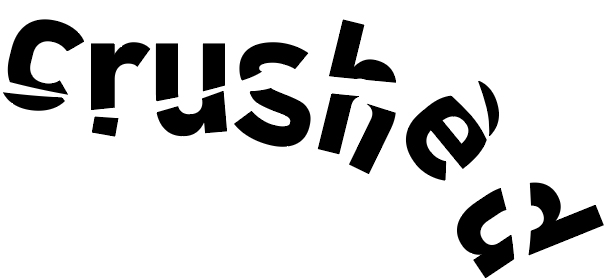
Note: if you prefer not to ungroup the word, use the Direct Selection tool rearranging the letters